Maximizing Google My Business for Therapists
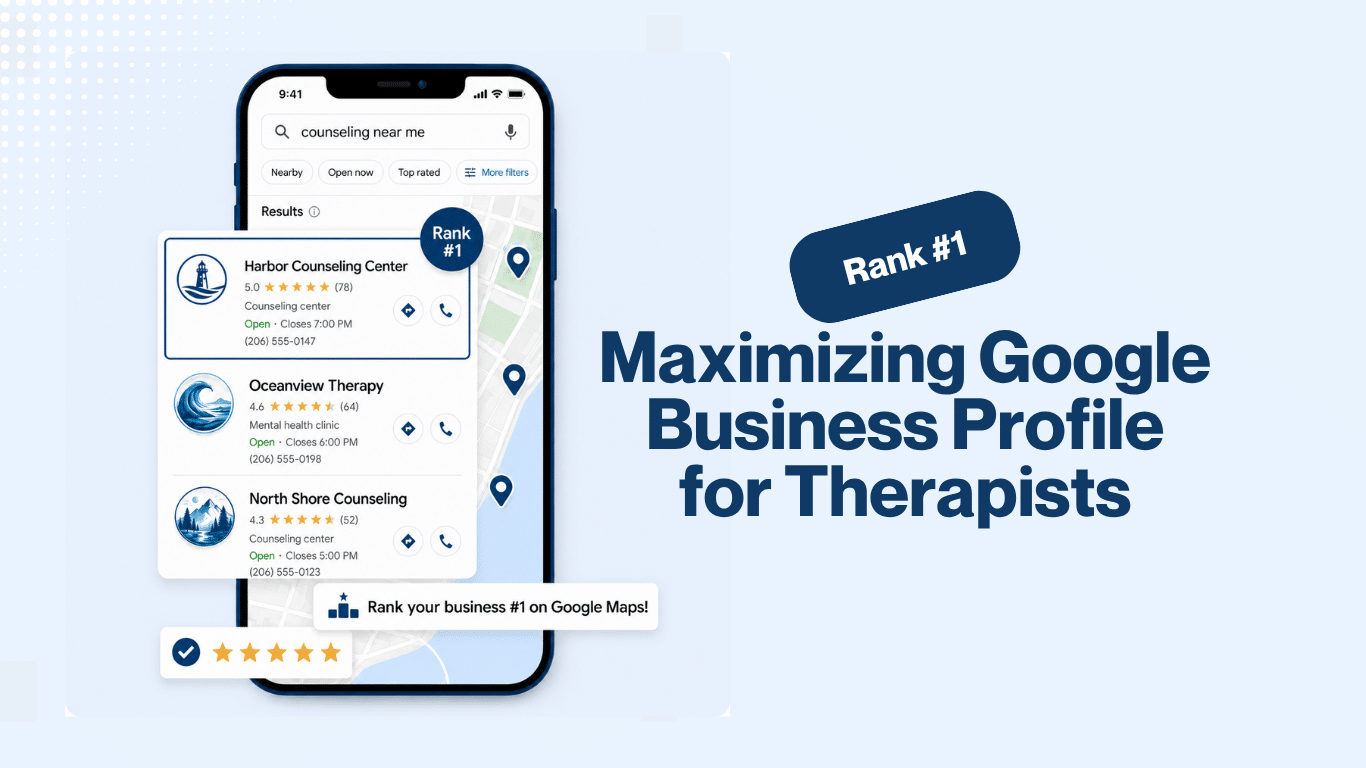
Google My Business is a powerful tool for therapists. It helps manage your online presence across Google Search and Maps.
A well-optimized profile can boost your local visibility and attract more clients. This is crucial for therapy practices looking to grow.
Accurate information and engaging content are key to success. Regular updates and client interaction enhance your profile’s effectiveness.
In this guide, we’ll explore strategies to maximize your Google My Business listing. You’ll learn how to stand out in local searches.
Let’s dive into the essentials of optimizing your therapy practice’s online presence.
Why Google My Business Matters for Therapy Practices
Google My Business is more than just a listing tool. It plays a crucial role in local therapy marketing, connecting therapists with potential clients nearby.
A well-maintained profile improves your search ranking and visibility. This makes it easier for clients to find your practice in search results.
Clients often search for local services. Being visible on Google can drive new inquiries and bookings.
Listed services and operating hours help clients understand what you offer. Reviews and photos enhance your profile’s credibility.
Consider these key benefits:
- Boosted online presence
- Enhanced credibility with reviews
- Direct client engagement

Setting Up Your Google My Business Profile
Creating your Google My Business profile is the first step toward boosting local therapy marketing efforts. Start by visiting the Google My Business website and following the prompts to set up your profile.
Enter accurate details about your practice. Ensure consistency across all platforms to build trust with potential clients.
Take advantage of Google’s features to present a complete picture. Utilize these elements for an effective profile:
- Business name
- Contact details
- Therapy services offered
Google My Business gives therapists control over their online presence. This helps potential clients find accurate and useful information.
Regular updates and engagement ensure your profile remains active. This can lead to better client interactions.

Essential Information to Include
When filling out your profile, prioritize accuracy and relevance. This helps clients find what they need quickly.
Include the following key details to enhance your Google My Business for therapy practice:
- Business name
- Phone number
- Website URL
These are crucial components of your Google listing. Regular updates can enhance your online visibility effectively.
Address, Service Area, and Privacy Considerations
Providing your practice’s address increases credibility. Specify your service area to reach clients within your range.
Privacy for practitioners working from home can be crucial. Consider listing only a service area instead of a full address.
Key address tips for privacy and service:
- Use a broad service area
- Avoid home addresses if privacy is a concern
- Update any changes promptly
Careful selection of this information ensures client safety and comfort while maintaining accuracy.
Verifying Your Practice
Verification is essential to access Google My Business’s full features. It establishes your practice’s legitimacy and trustworthiness.
This process involves Google sending a code by mail to your listed address. Follow the instructions to complete verification.
 by henry perks (https://unsplash.com/@hjkp)
Verification unlocks insights and management tools. This ensures you optimize your profile effectively and fully engage clients.
Optimizing Your Google My Business Listing
An optimized Google My Business listing makes it easier for clients to find you. It sets your practice apart.
Consider using keywords related to therapy services. This enhances your profile’s visibility in local searches.
Regularly update your Google listing. Keep information fresh and relevant to client needs.
Engage clients by responding to reviews and updating photos. These actions boost engagement and trust.
Include a complete list of services offered. Make sure your categories accurately reflect the therapies you provide.
 by henry perks (https://unsplash.com/@hjkp)
A well-optimized profile attracts more clients and strengthens your online presence.
Choosing the Right Categories and Services
Categories help clients find your practice. Choose those that accurately describe your services.
Select categories carefully to reflect specialized practices. This improves searchability and matches client needs.
When listing services, include:
- Individual therapy
- Couples counseling
- Specialty services
A precise category list aids in connecting with potential clients effectively.
Writing a Compelling Business Description
Crafting a compelling business description is essential. It conveys your practice’s values and mission to potential clients.
Use relevant keywords to enhance findability. This ensures your practice appears in relevant local searches.
Aim to write clearly and concisely, highlighting what sets you apart. A powerful description captures attention and interest.
Adding High-Quality Photos and Videos
Visual content enhances your Google My Business for therapy practice listing. It makes your profile inviting and trustworthy.
Include a range of photos showcasing your practice environment. Consider adding videos for a more dynamic profile.
For effective visuals, focus on:
- High-resolution images
- Professional-looking photos
- Videos that reflect your practice
 by Giorgio Trovato (https://unsplash.com/@giorgiotrovato)
High-quality visuals make a significant impact by enticing potential clients.
Utilizing Special Features (Booking, Messaging, Q&A)
Special features on Google My Business enhance client interaction. They make communication easier and more efficient.
Enable the booking feature for direct appointment scheduling. This streamlines the process for clients.
Consider using:
- Messaging to quickly respond to inquiries
- Q&A for addressing common client questions
- Booking features for seamless scheduling
 by The Jopwell Collection (https://unsplash.com/@jopwell)
These features improve service accessibility and encourage client engagement.
Leveraging Reviews and Client Engagement
Reviews play a pivotal role in enhancing your practice’s reputation. Positive feedback builds credibility.
Encourage clients to share their experiences. This can boost your therapy practice’s visibility on Google.
Be proactive in client engagement. Responding to reviews shows that you value client feedback.
Use reviews to highlight client satisfaction. Address concerns professionally to show your commitment.
 by Walls.io (https://unsplash.com/@walls_io)
Incorporate the following strategies:
- Ask satisfied clients for reviews
- Respond to both positive and negative feedback
- Use reviews to improve services
Client engagement fosters trust and attracts more potential clients.
Encouraging and Responding to Reviews
Encouraging clients to leave reviews helps establish credibility. Positive reviews enhance trust.
Prompt satisfied clients to write about their experience. This encourages others to choose your practice.
Responding to reviews is crucial. It demonstrates professionalism and attentiveness to client needs.
Include the following steps:
- Thank clients for their feedback
- Address any issues raised
- Encourage ongoing dialogue
Proactive responses contribute to building a positive image.
Managing Questions and Client Communication
Efficient communication builds stronger client relationships. Address client inquiries promptly for increased satisfaction.
Use Google My Business’s messaging feature to engage with potential clients directly. This facilitates easy and quick communication.
Clear and timely responses enhance client trust, ensuring they feel valued and heard. Effective communication ultimately leads to improved client retention.
Advanced Google Listing Tips for Therapists
To elevate your practice’s profile, explore advanced GMB features. These tools help stand out locally.
Utilize Google Posts to share news and updates. Keep the audience informed about your therapy services.
Offer exclusive promotions through the Offers feature. This attracts potential clients seeking deals.
 by Zulfugar Karimov (https://unsplash.com/@zulfugarkarimov)
Host events for community engagement. Advertise them on your GMB profile to increase attendance.
Advanced tips include:
- Using Google Posts for updates
- Creating special offers for clients
- Promoting events to boost visibility
Stay updated with new features to maintain a competitive edge in local therapy marketing.
Using Google Posts, Offers, and Events
Google Posts help communicate recent developments. Share tips, achievements, or insightful articles.
Use Offers to provide special discounts. Attractive offers draw new clients seeking therapy.
Promote workshops and seminars as Events. Engaging with the community enhances trust and recognition.
 by Terrillo Walls (https://unsplash.com/@terrillo)
Consider these approaches:
- Craft engaging posts regularly
- Introduce time-limited offers
- Announce upcoming events promptly
Being consistent with these features fosters ongoing client interest.
Highlighting Specializations, Accessibility, and Unique Features
Differentiate your practice by showcasing specializations. Highlight unique therapy techniques or niche services.
Use GMB attributes for accessibility options. Mention wheelchair accessibility and translation services if available.
Features to highlight:
- Specialized therapy methods
- Accessibility measures for inclusivity
- Unique amenities for client comfort
Highlighting these aspects positions your practice as client-friendly and comprehensive.
Monitoring, Analytics, and Ongoing Maintenance
Regular maintenance of your Google My Business profile enhances your therapy practice’s visibility.
Use GMB’s built-in analytics tools to gain valuable insights. These help track how clients interact with your listing.
Consistent monitoring identifies opportunities for improvement. Keeping data up-to-date ensures accuracy for potential clients.
Establish a routine to:
- Review analytics monthly
- Update information regularly
- Address inaccuracies immediately
Staying proactive maintains credibility and boosts local SEO performance.
Tracking Performance and Insights
Analyze client interactions using GMB insights. Discover how clients find and engage with your practice.
Understand patterns and trends from views, clicks, and calls. Adapt your strategy based on these metrics.
Analytics tools reveal:
- Client search behaviors
- Popular services and features
- Areas for listing enhancement
Review these metrics frequently to refine your local therapy marketing efforts.
Keeping Your Listing Accurate and Up to Date
Ensure all practice information is current. This builds trust and assists clients looking for therapy services.
Regularly check for changes in hours or services. Correct any inaccuracies swiftly to maintain client confidence.
Consistent updates are vital. They support a robust and reliable online presence for your therapy practice.
Common Mistakes and How to Avoid Them
Several common missteps can hamper your therapy practice’s success on Google My Business. Failing to update your listing can mislead potential clients and reduce trust.
Avoid these mistakes by:
- Ensuring contact info is consistent
- Promptly responding to reviews
- Utilizing all GMB features
A well-maintained listing strengthens your online presence and client engagement.
Conclusion: Building a Strong Local Presence with Google My Business
Effectively leveraging Google My Business can significantly enhance your local therapy practice visibility. Stay proactive by regularly updating your profile and engaging with clients.
Commit to these strategies to enjoy increased client trust and improved online presence. Your efforts will build a robust foundation for continued growth in your local market.